Speak your mind.
It stays on your phone.
Offhand records your voice notes, meetings, and dictations, then transcribes and rewrites them into structured, readable notes — with AI that runs entirely on your phone. No cloud, no account, no one listening in. Your thoughts are nobody else's business.
Free · Open source · Android 12+ · iOS 18+ · iPad & Apple Silicon Mac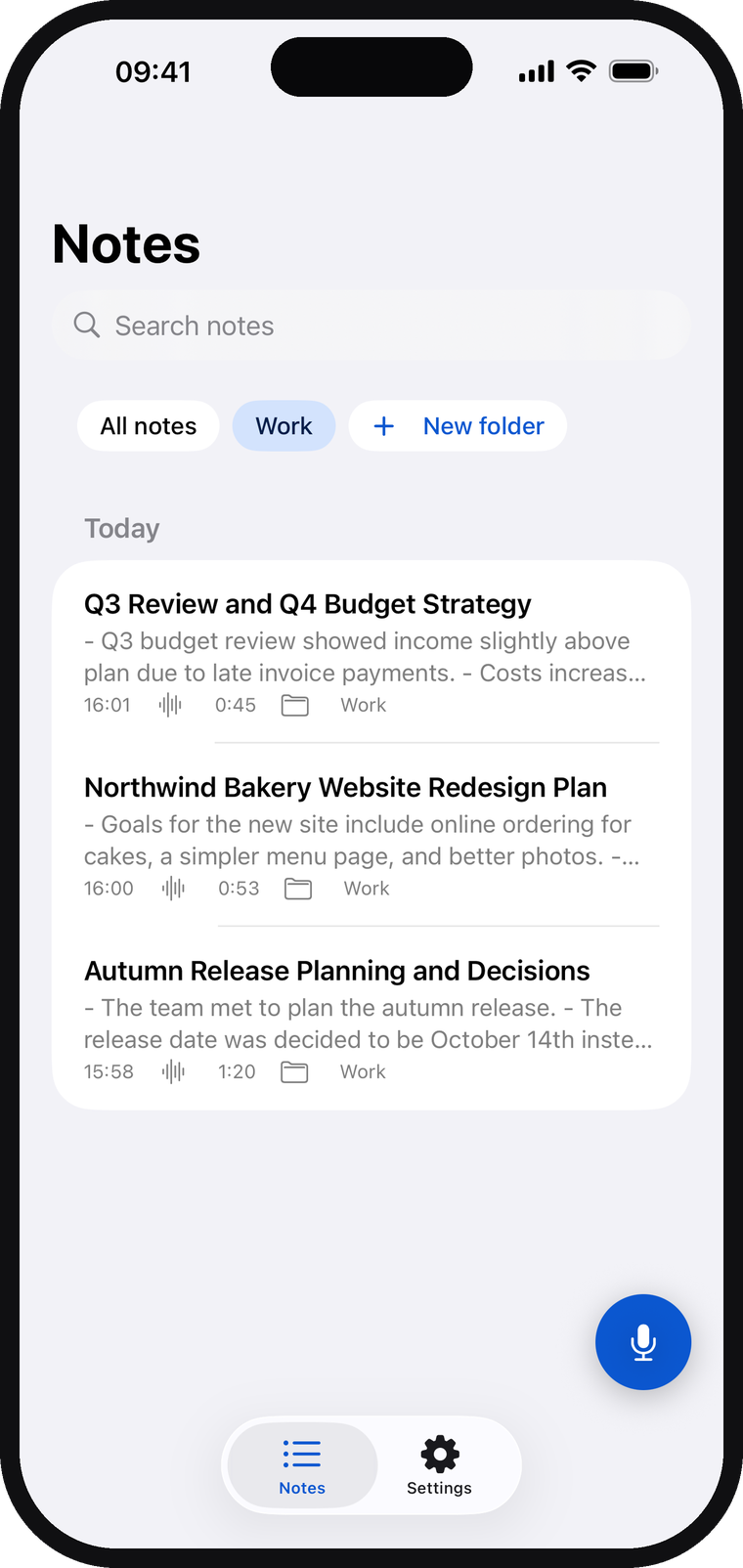
From voice recording to structured notes — in three steps
Everything below happens on your phone's own chip. Airplane mode? Still works.
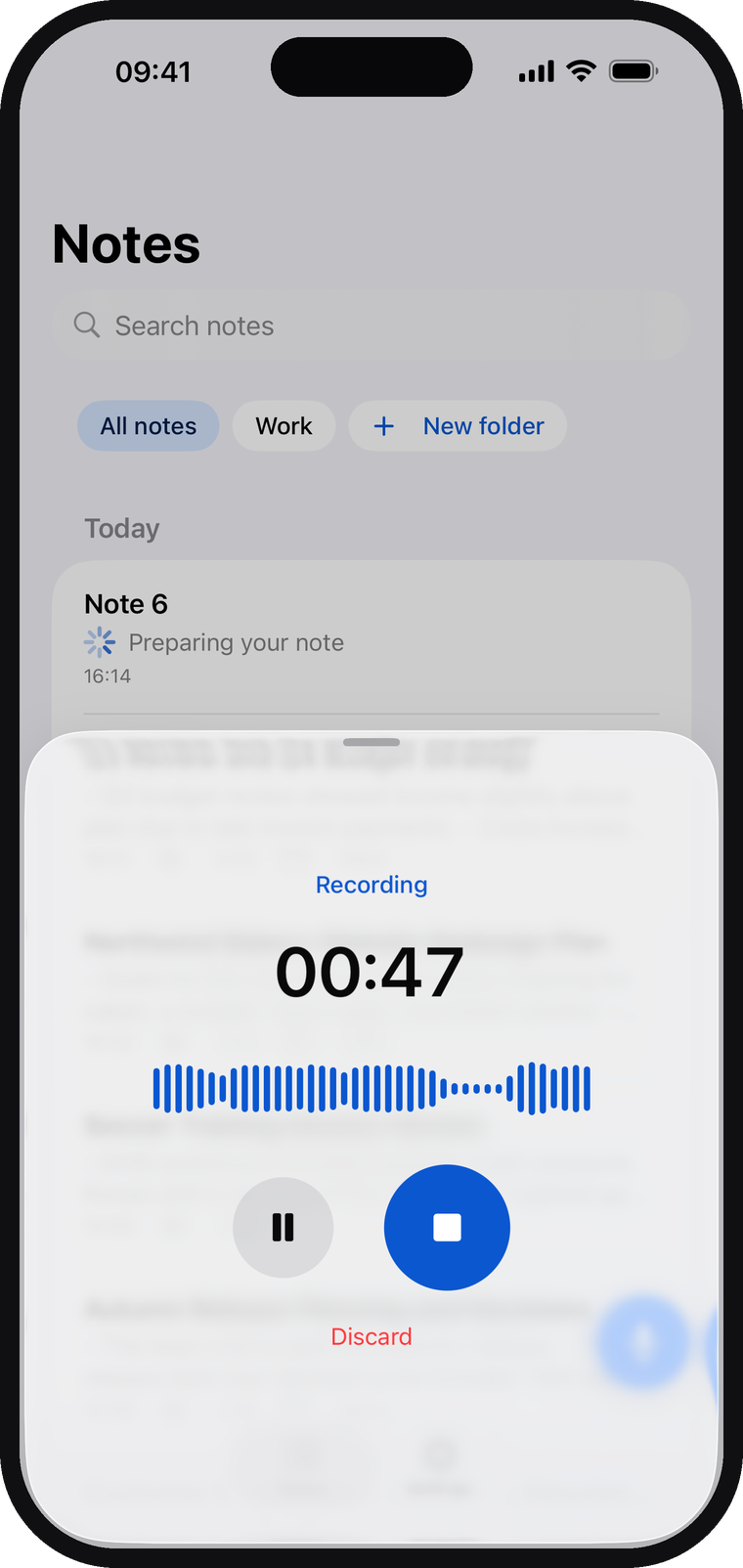
Tap once and talk — a meeting, a dictation, an idea on a walk. Offhand keeps recording in the background and transcribes as you speak, so long sessions are ready moments after you stop.
On-device speech recognition (Whisper) turns your voice to text right on your phone — in English, German, Spanish, Hindi, Portuguese, Russian and Ukrainian. No audio is ever uploaded anywhere.
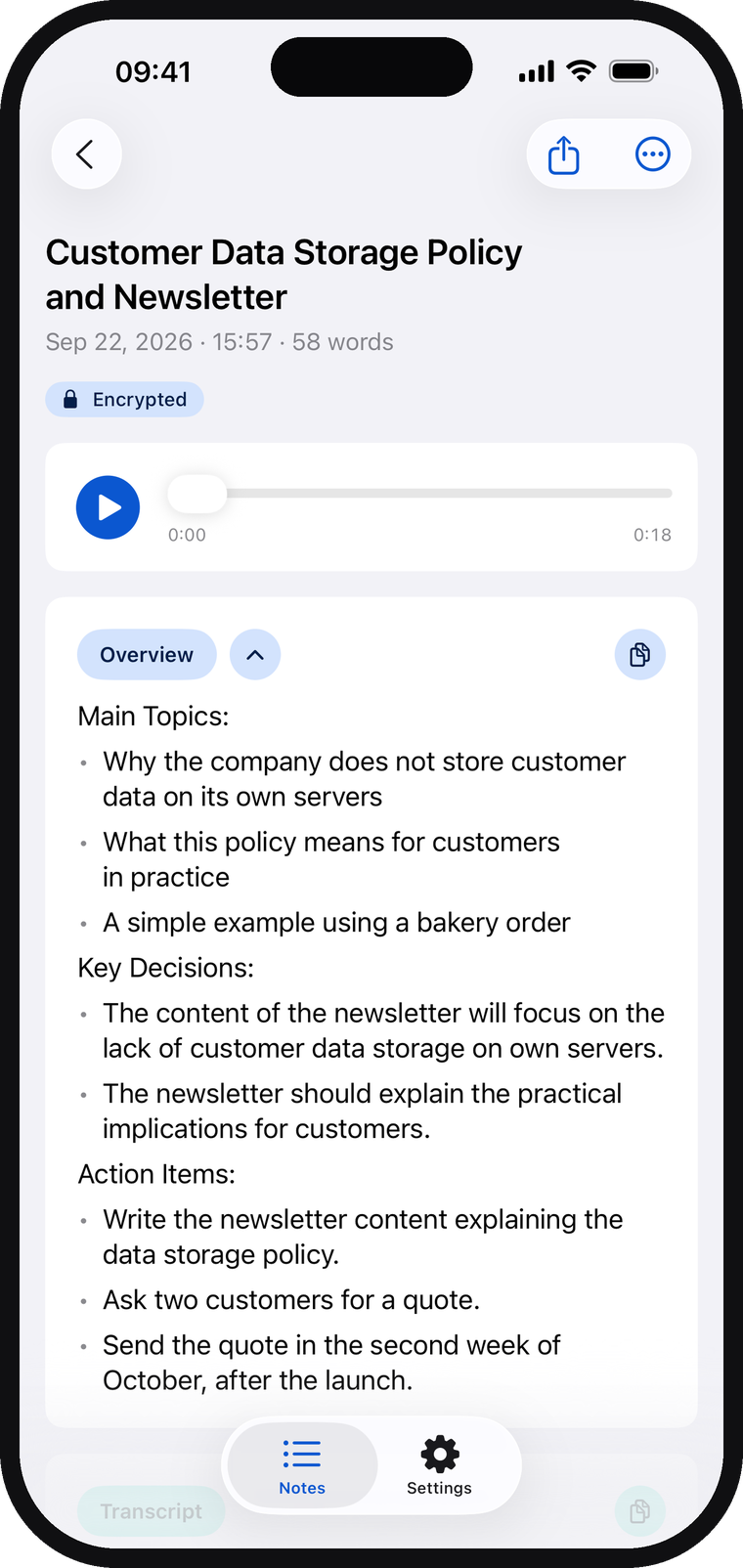
The on-device AI rewrites the transcript into a titled note with headings, lists and action items — keeping the detail, losing the "um"s. Edit, share or replay anytime.
Private isn't a setting.
It's the architecture.
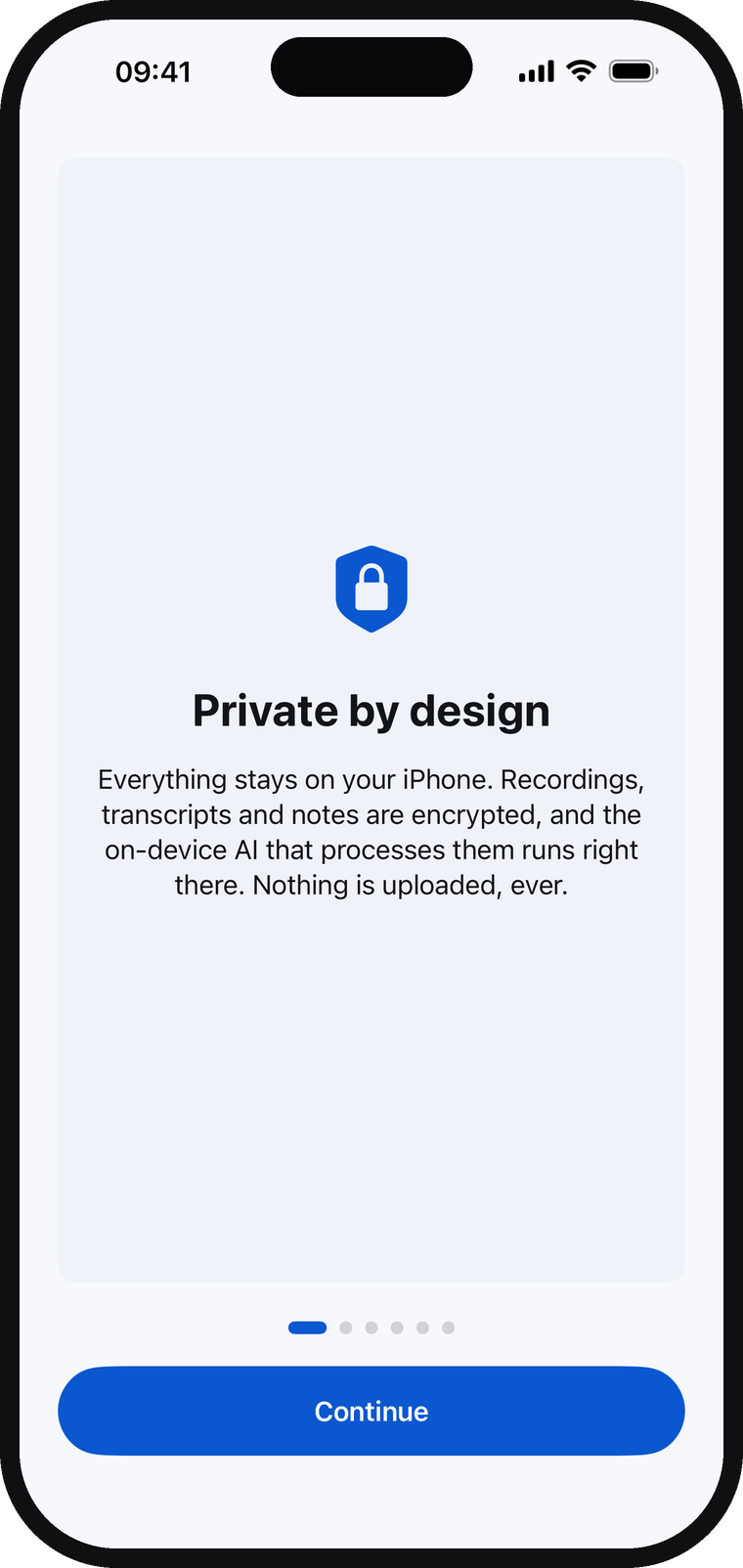
Most voice apps send your audio to a server and promise to be careful with it. Offhand can't leak your notes to the cloud, because there is no cloud. Meeting debriefs, patient notes, client calls, half-formed ideas — they never leave the device in your pocket.
Verify it yourself — source on GitHubMade for the moment the thought hits
Voice notes, meeting transcription, and AI note structuring — in one private app.
What it needs
On-device AI needs a reasonably modern phone: Android 12+, 5+ GB of RAM, and ~3 GB of free storage for the one-time download of the on-device AI. Offhand checks your device on first launch and tells you honestly if it won't run well.
What it doesn't need
No account. No subscription required. No internet after the one-time on-device AI download. No permissions beyond the microphone. Notes are encrypted at rest and unlocked with your fingerprint or device credential — the same lock that guards your phone.
Frequently asked questions
The short version: it's offline, it's encrypted, it's free, and you can read the code.
Does Offhand work offline?
Yes — completely. Recording, speech-to-text transcription, and AI note structuring all run on your phone. Turn on airplane mode and everything still works. The only time Offhand uses the network is the one-time download of the on-device AI on first launch.
Is my audio or transcript uploaded anywhere?
No. Audio, transcripts, and notes never leave your phone. There is no server, no account, and no analytics unless you explicitly opt in to anonymous crash reporting. The source code is public, so you can verify this yourself.
How is Offhand different from Otter, Fireflies, or other AI note-takers?
Cloud note-takers upload your audio to their servers for transcription and AI processing. Offhand runs the same kind of AI pipeline — Whisper speech recognition plus a language model — as on-device AI, entirely on your phone. The core app is free and open source; Offhand Pro is an optional upgrade, and privacy is never part of the upsell.
What languages does Offhand support?
Seven languages: English, German, Spanish, Hindi, Portuguese, Russian and Ukrainian. Speak in any of them and the transcript and the structured note come out in that language; the app itself is translated into all seven.
Is Offhand really free?
Yes. Recording, transcription, structured notes, search, folders, app lock and encrypted backup are free, with no time limits and no ads. Offhand Pro is an optional upgrade for your own note styles, PDF and Word export, smart calendar suggestions and audio file import: yearly with a 14-day free trial, or one lifetime purchase. Privacy is the default, never the upsell. Offhand is open source under GPL-3.0.
What device do I need?
On-device AI needs a reasonably modern device. On Android: Android 12 or newer with 5+ GB of RAM. On Apple: an iPhone or iPad on iOS 18+, or an Apple Silicon Mac. Either way, allow about 3 GB of free storage for the one-time download of the on-device AI. Offhand checks your device on first launch and tells you honestly if it won't run well.
Your next thought deserves better than a lost voice memo.
Free on Google Play and the App Store. Say something — Offhand will make sense of it.