
For Android Engineers

Ship faster with AI.
I'll show you how.

From writing code to PR reviews to architecture decisions — I test AI tools on real Android projects and document what actually saves time.

Get My Complete AI Setup → Free — configs, prompts, what works & what doesn't
10+
Years in Android
20+
Projects shipped
500K+
Users reached
The Problem

AI is changing Android development. Most engineers are behind.

60–70% of developers haven't integrated AI into their workflow. The ones who have? They're shipping in days what used to take weeks.

❌ Still writing boilerplate by hand

Data classes, adapters, repository layers — AI handles this in seconds. You shouldn't be typing it.

❌ Using ChatGPT in a browser tab

Copy-pasting between a chat window and your IDE is the slowest possible way to use AI for coding.

❌ No idea which tool fits Android

Cursor? Claude Code? Gemini? GitHub Copilot? Most comparisons are for web devs, not mobile.

✅ What if you had someone testing all of this?

That's what I do. I test every major AI tool on real Android projects and share exactly what works.

Tools

What I'm testing right now

Three tools, one real codebase. Here's what I'm finding.

Claude Code

CLI agent that builds full features. Best for complex, multi-file changes in Android projects.

Best for: feature building
Gemini

Built into Android Studio. Strong in-editor completions and native Kotlin understanding.

Best for: daily coding
Cursor

AI code editor with strong refactoring. Testing it against Android Studio + Gemini.

Best for: rapid prototyping
Watch

See it in action

Real builds, real tools, real results.

About

Hey, I'm Dmytro

Android engineer, 10 years. I've built apps used by hundreds of thousands of people — architecture, performance, the whole stack.

Last year I started using AI tools in my daily work. The productivity jump was real — features that took weeks were done in days.

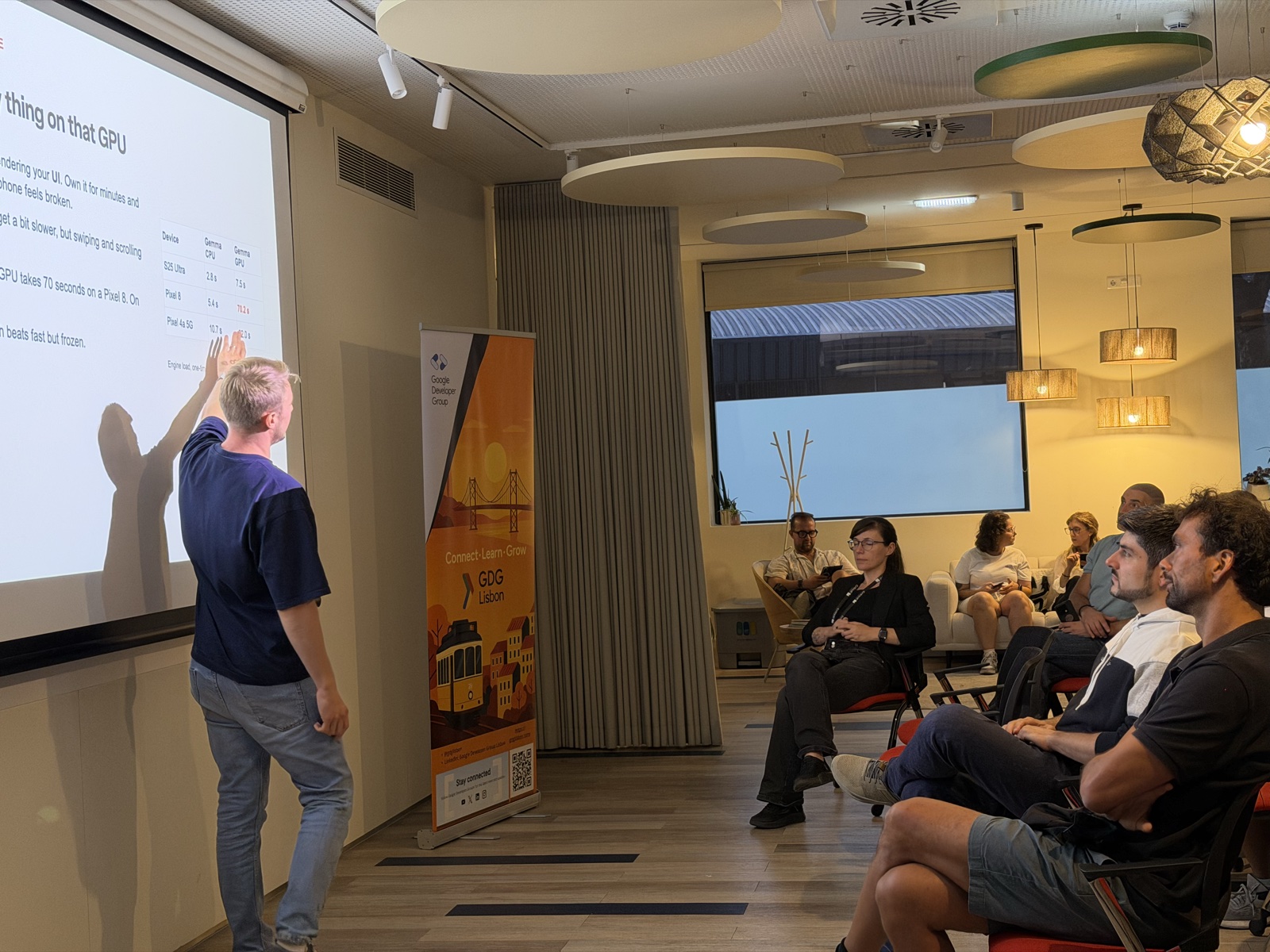
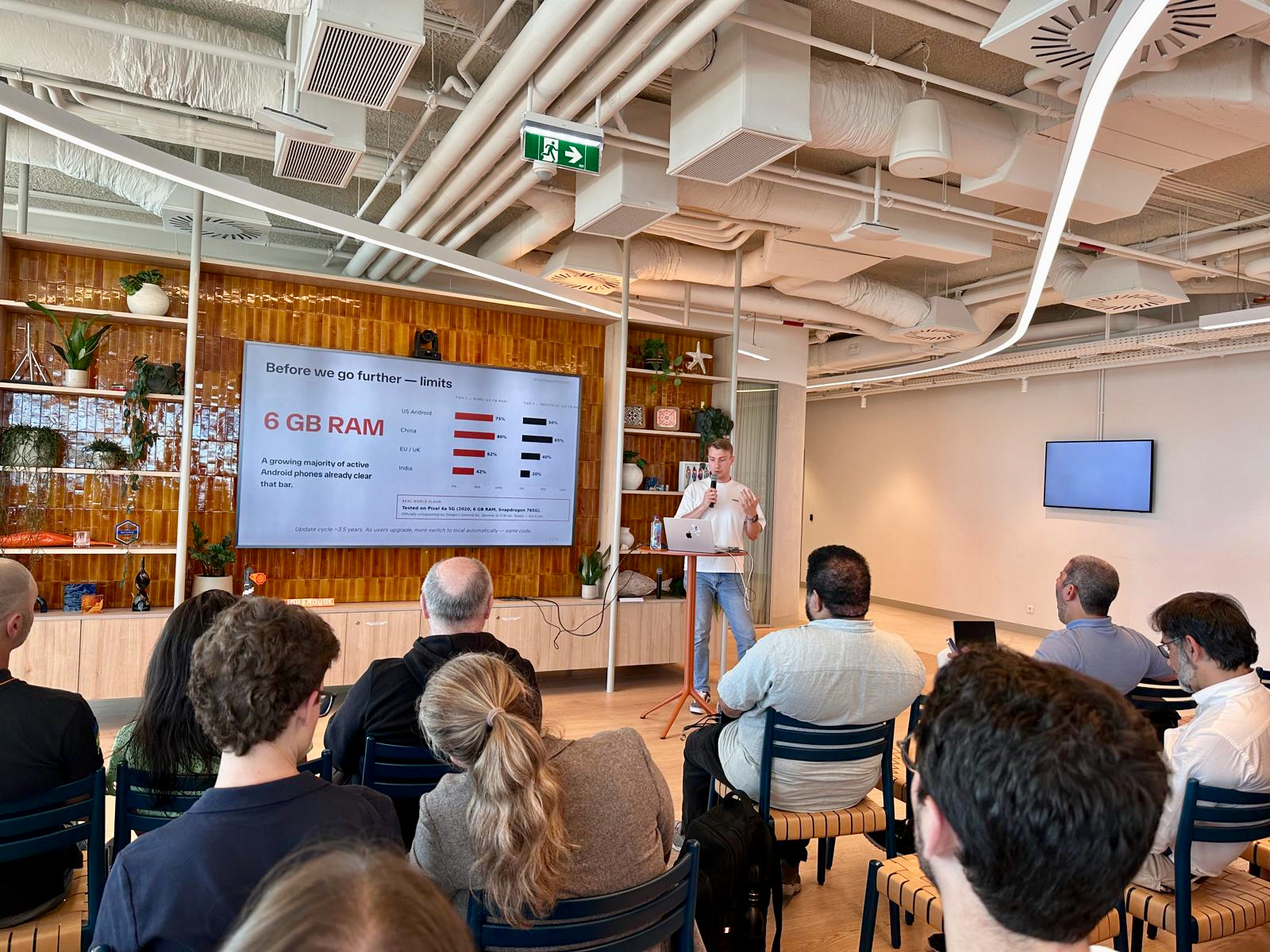
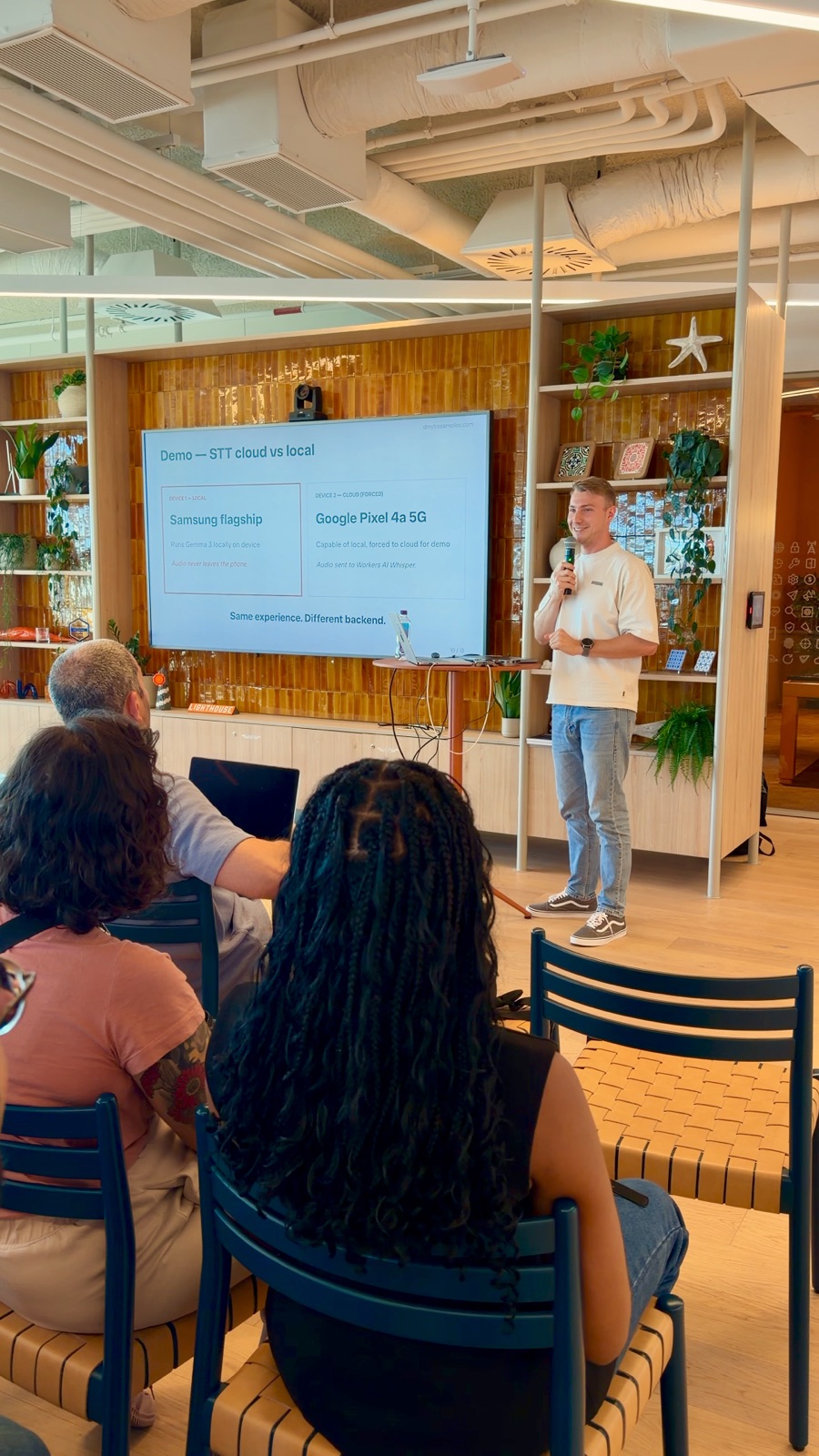
Now I'm documenting everything. What works, what doesn't, where AI saves hours and where it wastes them. All on real Kotlin codebases, not demos.

Dmytro Samoilov
Free Resource

Get my AI setup

The complete breakdown — configs, prompts, tool comparisons, and the workflows I actually use every day. Free.

Get the Breakdown →

I'll send it to your inbox.